
Instead of a JS button opening the editor, plain <img data-td-action="RenderVisualization">
elements are scanned automatically on page load. Each one declares a supplier + exact product variant + print
position/technology; the script batches these into render token requests and swaps src for the
rendered visualization of the customer's currently selected logo.
Product used: Teak A5 recycled hard cover notebook (106013_TD).
src (the plain product photo).src.<img> - one image can
only ever represent one exact print option on one exact variant.No logo selected — visualization images below show the original product photo.
Same print option (FRONT / DPRINT03, digital print) rendered on three different
color variants.

10601355_TD
10601331_TD
10601321_TDTwo variants (Royal Blue, Solid Black), each shown with three different print
position/technology combinations - six independent <img> elements in total.

FRONT / DPRINT03
FRONT / GPE01
BACK / DEB01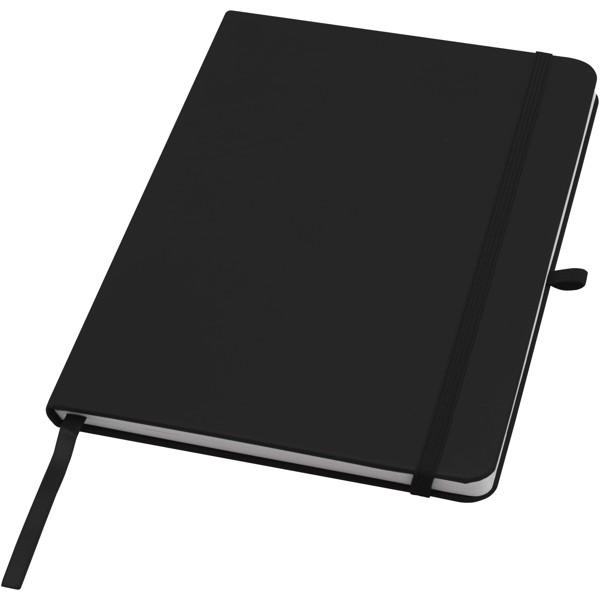
FRONT / DPRINT03
FRONT / GPE01
BACK / DEB01<!-- Scanned automatically once the SDK initializes - no click handler needed -->
<img
data-td-action="RenderVisualization"
data-td-supplier-code="TD"
data-td-product-code="10601355_TD"
data-td-print-position-code="FRONT"
data-td-print-technology-code="DPRINT03"
src="product-default.jpg"
alt="Teak A5 notebook - Navy"
/>
<!-- Optional attributes -->
<!-- data-td-visualization-size="max600" fixed output size instead of the img's own pixel size -->
<!-- data-td-visualization-logo="f47ac10b-58cc-4372-a567-..." per-image logo override, ignores the customer's selected logo -->